Reach Study
Confirm whether the selected ABB robot can access all welds with proper torch angle and clearance.
Kavin Inc uses ABB RobotStudio workflows to check reach, simulate robot paths, estimate cycle flow, review fixture clearance, and prepare programs before shop-floor commissioning. This reduces trial time and helps production teams understand how the ABB robot will move.
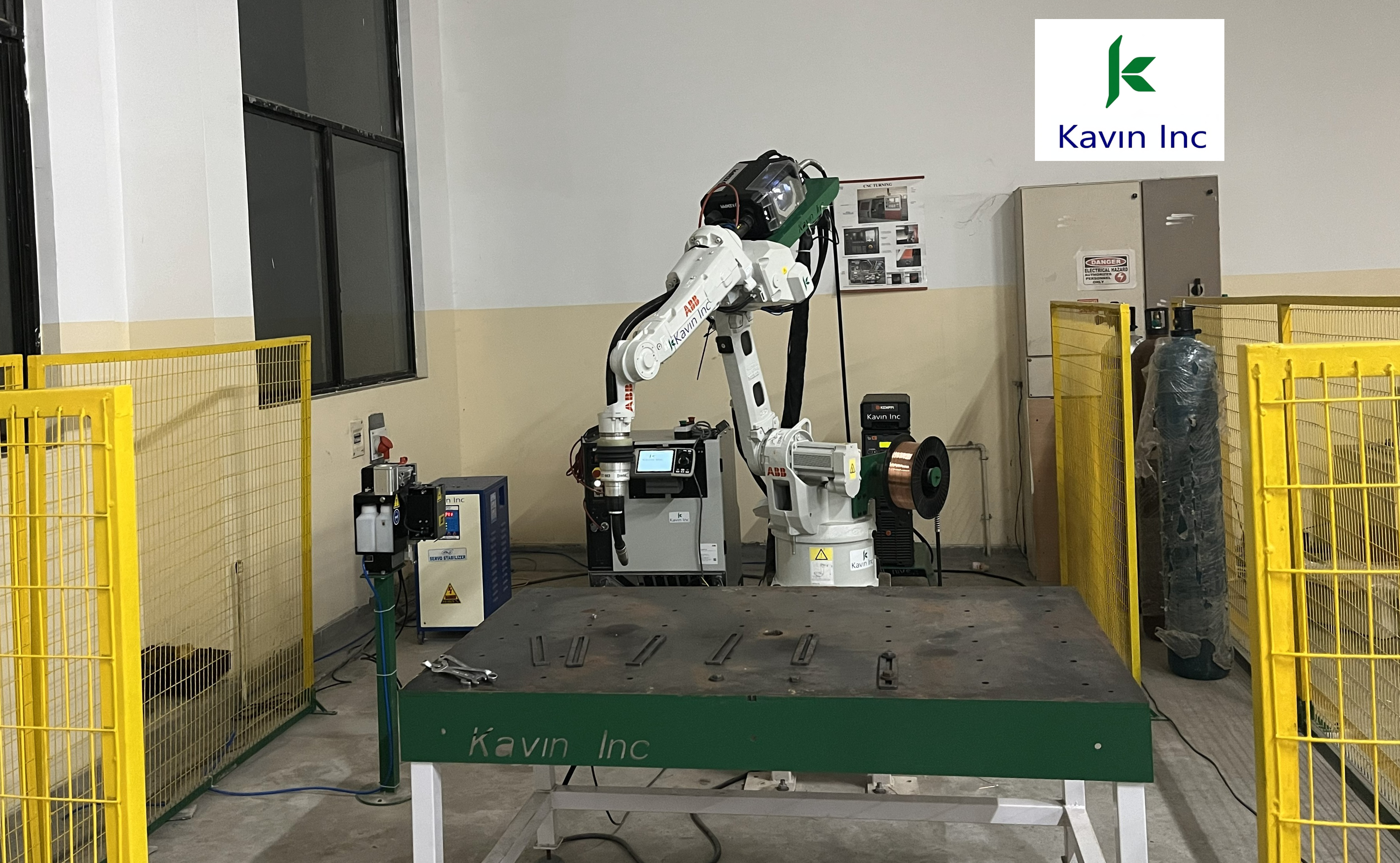
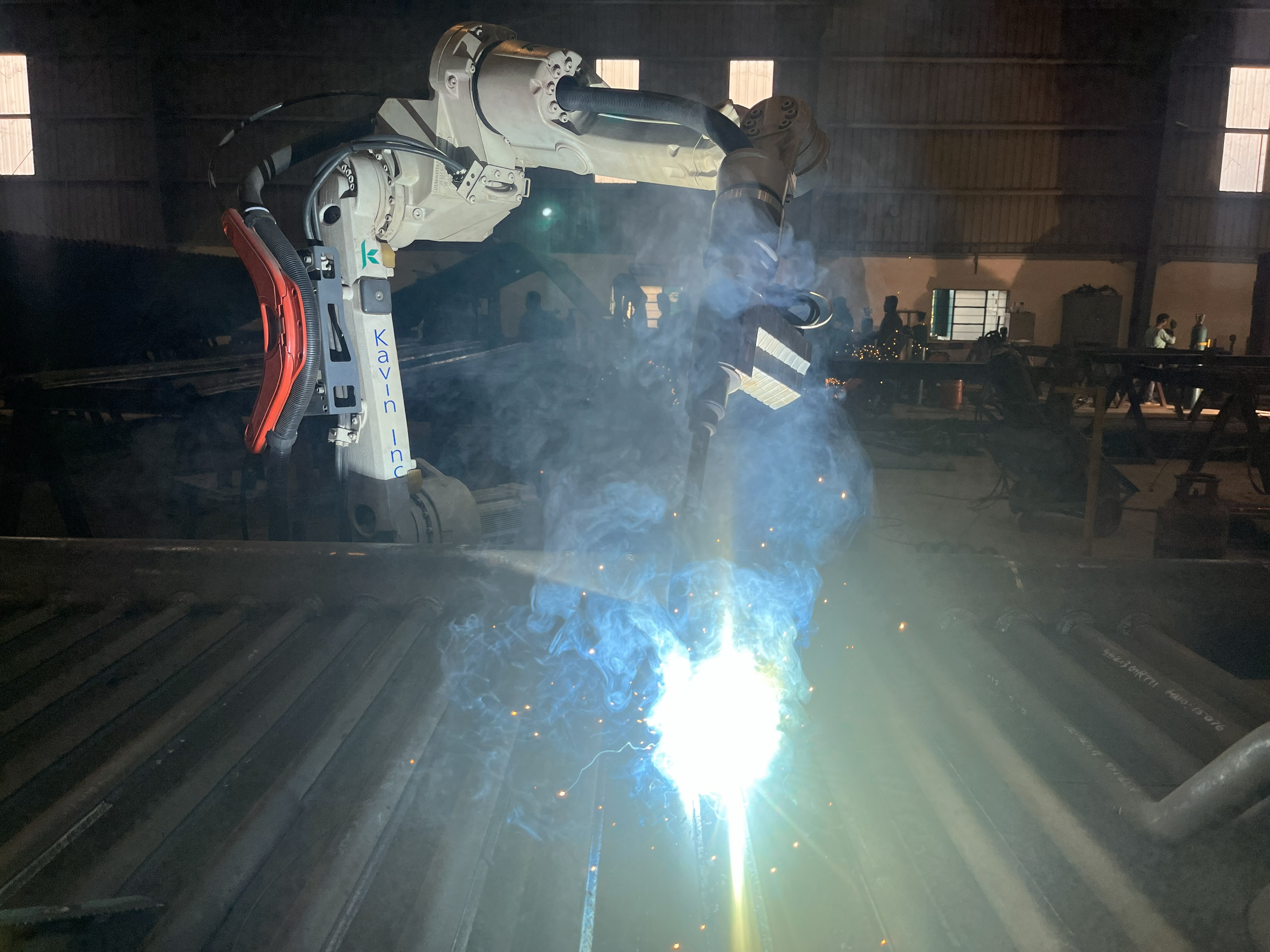
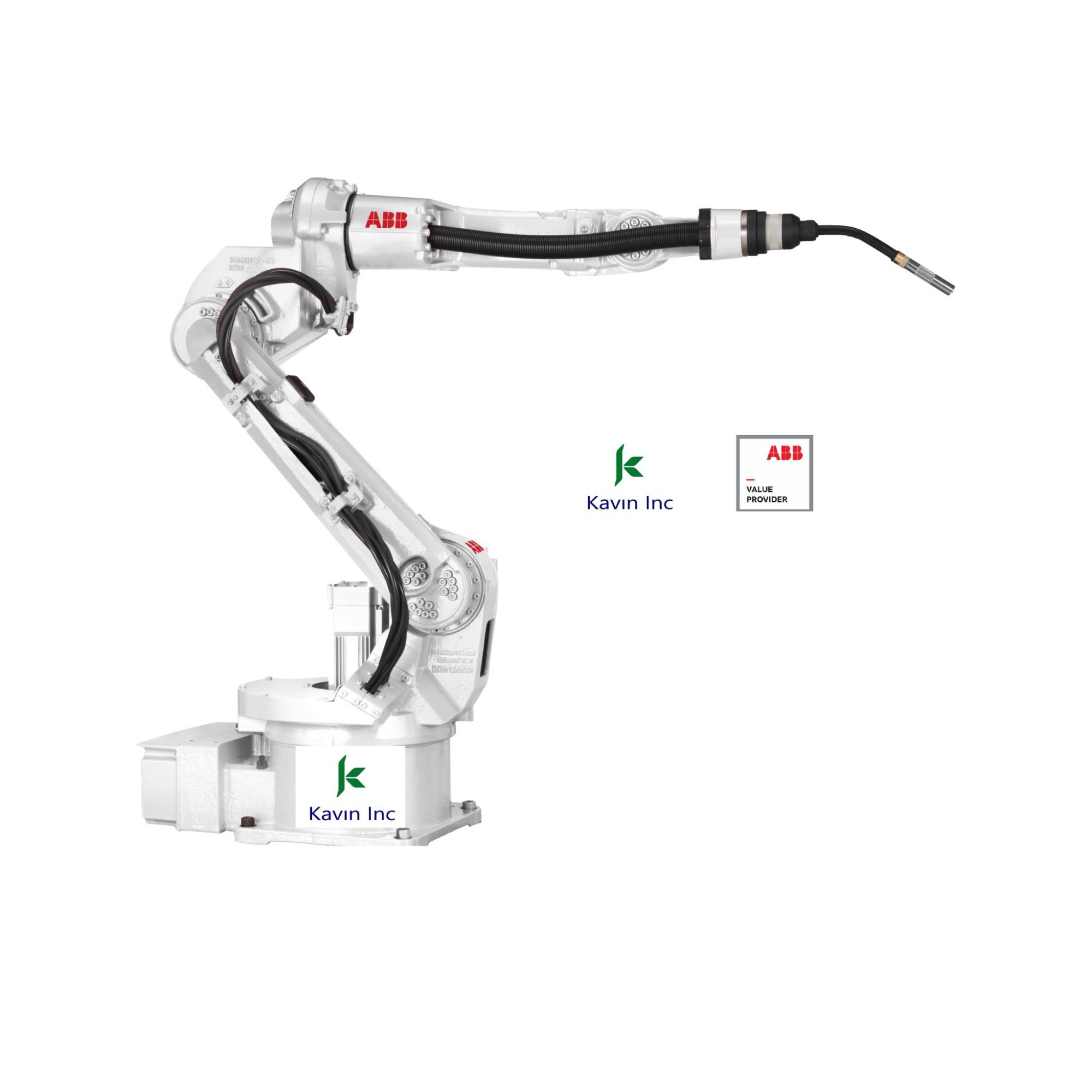
Robot, fixture, tool, part, reach envelope, and safety zones are reviewed in the simulation model.
RobotStudio helps identify collision risk, wrist posture issues, reach limits, and unnecessary air moves.
Programs are prepared for commissioning with tool data, workobject alignment, and shop-floor correction.
Import robot, fixture, tool, and part. The virtual controller checks reach, posture, collisions, and cycle flow.
Validated RAPID logic, tool data, and workobject settings move into commissioning for shop-floor alignment.
The ABB robot follows the checked path with corrected frames, reduced prove-out time, and safer first runs.
Confirm whether the selected ABB robot can access all welds with proper torch angle and clearance.
Reduce air moves, simplify transitions, and review sequence timing before physical trials.
Prepare programs and reduce prove-out time by resolving path issues earlier in the project.