IRC5 Troubleshooting for Robot Welding Cells
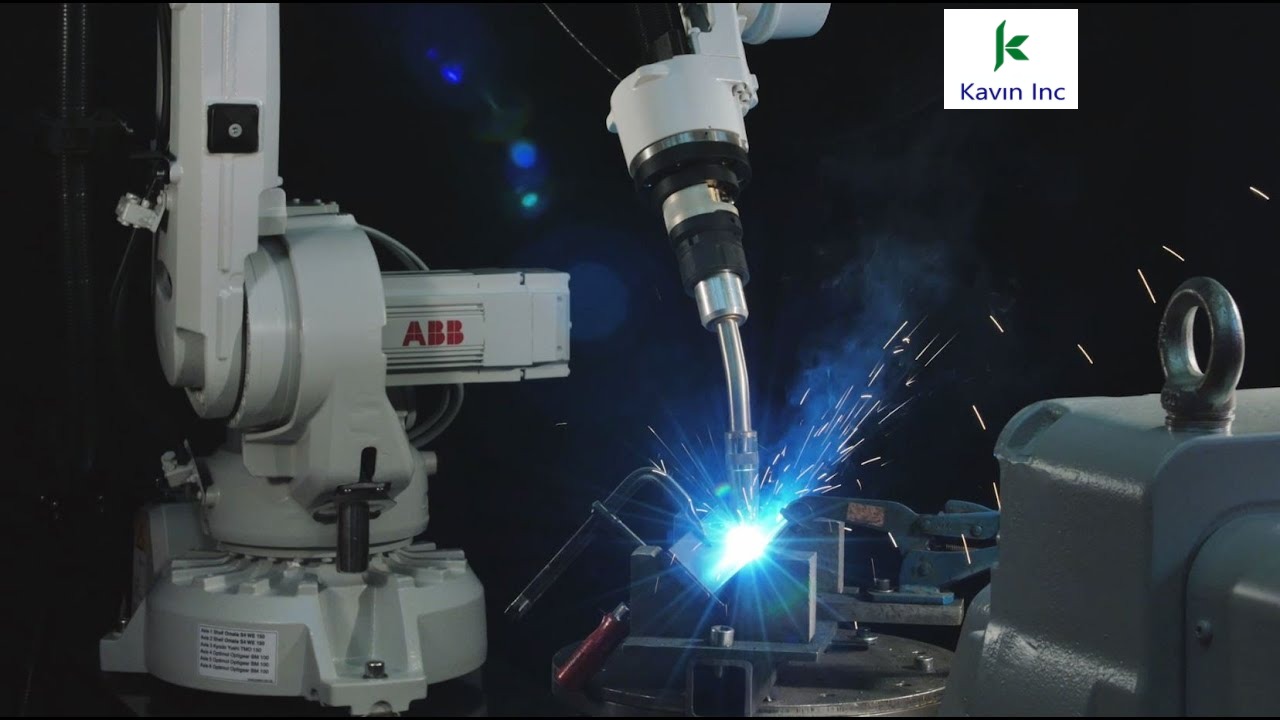
In a high-production robotic arc welding cell, downtime costs upwards of ₹15,000 per hour in idle wages, bottlenecked assembly, and delayed customer dispatches. The ABB IRC5 is renowned for bulletproof reliability, but arc welding environments introduce high-frequency electrical noise, intense magnetic fields, grinding grit, and spatter.
The Top 4 Breakdown Causes in Robot Welding Cells
1. SMB Battery Depletion & Revolution Counter Loss
If your IRC5 controller sits powered off over a weekend or holiday and restarts with Event 20032: Rev Counter Not Updated on Axes 1 through 6, the Serial Measurement Board (SMB) battery located in the robot base has discharged below 3.2V DC.
Immediate Fix: Update revolution counters by jogging each axis manually to its stamped mechanical calibration zero tick mark on the casting. Then replace the 3.6V Lithium SMB battery immediately while the controller is powered ON to avoid losing calibration again.
2. Arc Ignition Timeout / Arc Fault
The robot moves into weld position, strikes the arc, but freezes after 500 ms displaying Arc Ignition Timeout.
- Work Return Earth Clamp: A loose or oxidised ground cable clamp increases circuit resistance, preventing the power source from sending the "Arc Established" feedback signal back to the IRC5 I/O board.
- Torch Tip Burnback: A worn contact tip allows the wire to fuse to the tip face. Install a VELAR pneumatic torch cleaning station to ream spatter every 15 cycles.
- Gas Pre-Flow Signal: Ensure the shielding gas pressure switch confirms minimum 15 L/min flow before the arc initiate command is issued.
3. DeviceNet / PROFINET Bus Communication Failures
Intermittent communication drops between the IRC5 controller (d652 I/O board or Anybus master) and welding power sources (Fronius TPS/i, Kemppi A7, Megmeet Artsen) usually stem from high-frequency noise induced during TIG or pulse MIG arc starts.
Remedy: Verify that the fieldbus communication cable is shielded industrial-grade with 120-ohm terminating resistors installed at both physical ends of the trunk line. Route signal cables at least 300 mm away from high-current welding power leads.
4. Torch Collision Clutch Sensitivity & TCP Deviation
When the robot torch touches a misaligned component clamp, the mechanical collision sensor trips the safety circuit. If operators force the arm back into run mode without verifying the Tool Center Point (TCP), every subsequent weld will be deposited 2 mm to 5 mm off the seam.
| Error Code / Fault | Underlying Root Cause | Permanent Field Solution |
|---|---|---|
| 20032: Rev Counter Lost | SMB 3.6V Lithium battery dropped below threshold | Jog to mechanical tick marks, calibrate on pendant, replace battery while ON |
| 38001: Battery Warning | Controller main computer RAM backup battery low | Replace CPU battery pack (Part Ref: 3HAC044075-001) within 30 days |
| Arc Failure / Strike Drop | High resistance earth return or dirty nozzle spatter bridge | Check earth grounding lug resistance (< 0.5 ohm); clean nozzle & check tip |
| 90001: Safety Interlock Open | Misaligned door magnet or loose emergency stop loop E1/E2 | Inspect dual-channel microswitch continuity on X5 terminal block |
Recommended Monthly Preventative Maintenance Checklist
- Inspect Cable Dress Pack: Examine the 6th-axis corrugated conduit for pinch points, insulation cracks, and gas hose leaks.
- Verify Tool Center Point (TCP): Touch the wire tip against a fixed reference pointer; if deviation exceeds 0.5 mm, re-calibrate the TCP tool data.
- Clean Heat Exchanger Air Filters: Blow dust out of rear controller door louvers to keep drive electronics cool.
- Perform Complete System Backup: Save a full backup to a USB drive labeled with date and software revision.
Summary for Maintenance In-Charges
- Keep SMB Batteries in Stock: 3.6V lithium batteries cost ₹1,500 but prevent 6 hours of recalibration downtime.
- Shielding Cable Separation: Keep welding power leads physically isolated from DeviceNet/Ethernet communication lines.
- Weekly Backups Save Days: A verified USB backup allows full system recovery in 15 minutes after hard drive or CPU failures.

Discussion